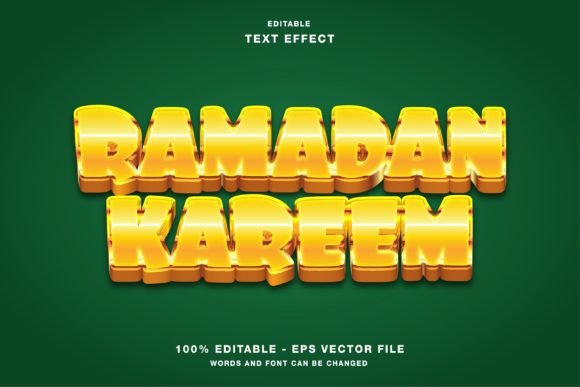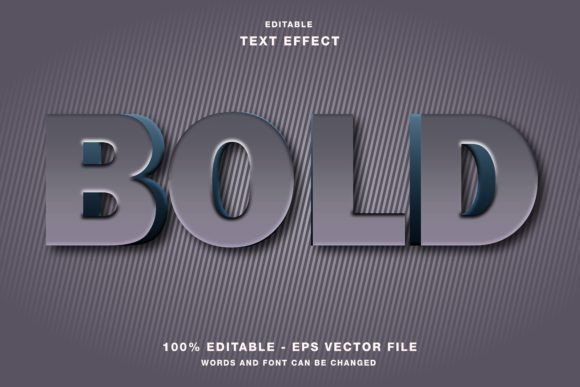
Bold 3D Text Effect: A Practical Evaluation for Designers
In the crowded landscape of digital communication, visual hierarchy is often the deciding factor between a message that resonates and one that gets scrolled past. For professionals working in graphic design, marketing, and content creation, the ability to generate high-impact typography quickly without sacrificing quality is a significant workflow advantage. The Bold 3D Text Effect template for Adobe Illustrator addresses this specific need by offering a pre-constructed, editable framework designed to streamline the creation of dimensional typography. Unlike static image files or complex scripts that require coding knowledge, this asset functions as a robust starting point for both web designs and print publications.
The core value proposition of this resource lies in its balance between aesthetic complexity and user accessibility. Creating three-dimensional text from scratch in vector software involves mastering gradients, blending modes, layer opacity, and perspective grids—a process that can consume hours of billable time. This template condenses that technical labor into a single, customizable file. It allows users to focus on the creative direction of their project rather than the mechanical construction of the effect itself. By analyzing its structure, usability, and application across various media, we can determine where it fits best within a professional toolkit.
Technical Foundation and Editability
The most critical aspect of any design asset is how easily it adapts to new requirements. The Bold 3D Text Effect is built with an "editable" philosophy, meaning every element is constructed using standard Illustrator tools rather than flattened raster layers or locked groups. When you open the file, you will find that the text remains live type, allowing for immediate changes to font family, size, kerning, and leading. This is a crucial distinction; many similar templates force the designer to expand the text first, which locks the content and makes future revisions difficult.
Beyond the text itself, the 3D geometry, shadows, and highlights are organized logically within the Layers panel. This organization ensures that modifying the color scheme does not require digging through hundreds of sub-layers. The template utilizes the RGB color mode, which is essential for digital applications but also flexible enough for print workflows when converted to CMYK later in the process. The inclusion of both EPS and JPG files in the main folder provides versatility. The EPS file serves as the master source for further editing, while the JPG offers a quick preview or a fallback for clients who do not have access to vector software.
Workflow Integration and Customization
For a freelancer managing multiple client deadlines, speed is synonymous with profitability. The ability to drop a headline into this template and have it look professionally finished within minutes is a tangible benefit. However, true customization goes beyond simply changing the words. Because the effect relies on vector paths, you can manipulate the depth, angle, and texture of the 3D extrusion to match your brand guidelines. Whether you need a subtle, modern extrusion for a tech startup's landing page or a heavy, aggressive block style for a concert poster, the underlying structure supports these variations.
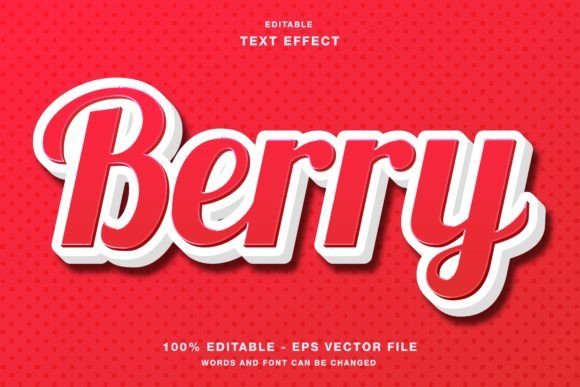
It is important to note that while the template is highly flexible, it is not a magic wand that works perfectly with every font. The effect is optimized for bold, sans-serif typefaces that can support the weight of the 3D extrusion. Using thin, script, or decorative fonts may result in visual clutter or a loss of legibility. Users should approach the template with an understanding of typographic principles, selecting fonts that complement the structural nature of the effect rather than fighting against it.
Application Across Digital and Print Media
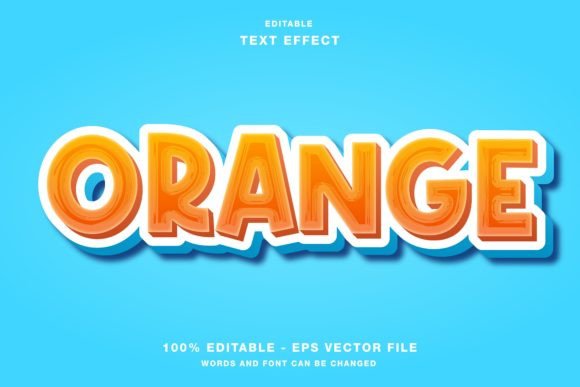
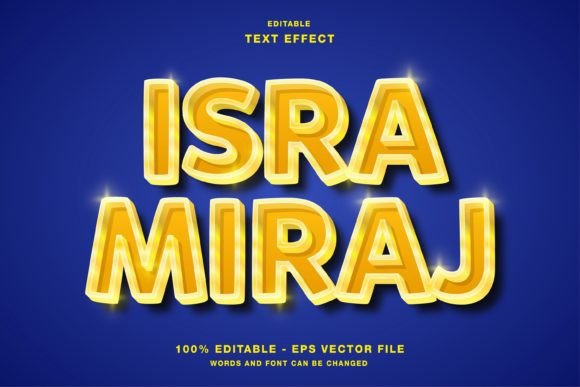
The versatility of the Bold 3D Text Effect extends across a wide range of mediums, making it a valuable asset for generalist designers. In the realm of social media promotion, where attention spans are measured in seconds, the dimensional quality of the text helps headlines pop against busy backgrounds. Platforms like Instagram, Twitter (X), and Facebook rely heavily on visual engagement. A flat text overlay often gets lost in the feed, whereas the depth and shadow play provided by this template create a sense of physical presence that draws the eye.
For web design, the RGB color mode ensures that the colors appear vibrant and accurate on screens. Marketers creating hero sections for landing pages or promotional banners can use the exported assets to add a dynamic element to their UI. While CSS 3D transforms exist, they can be inconsistent across browsers and devices. Using a pre-rendered 3D text image guarantees that the design looks exactly as intended for every visitor, regardless of their device or browser version.
In print publication, the utility of this template shifts slightly but remains potent. Flyers, posters, magazines, and event papers often require large-format typography that commands attention from a distance. The vector nature of the EPS file means the text can be scaled to billboard size without any loss of resolution. This scalability is a distinct advantage over raster-based effects, which would pixelate at large sizes. Designers can adjust the color profile to CMYK during the export phase to ensure accurate ink representation, making the asset suitable for professional offset printing.
Real-World Performance and Limitations
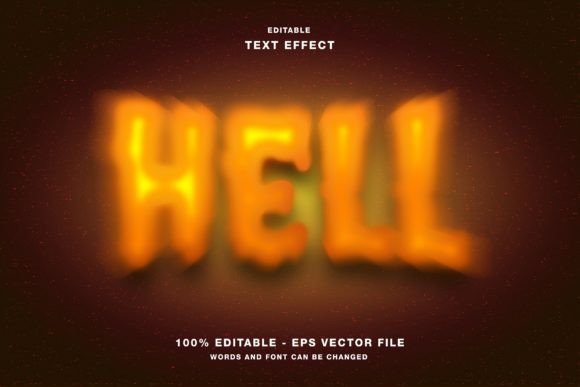
When evaluating the long-term value of this resource, it is necessary to consider its limitations alongside its strengths. The primary limitation is stylistic. The Bold 3D Text Effect produces a specific aesthetic—bold, structured, and dimensional. It is not suitable for projects requiring minimalist, flat design trends or delicate, hand-drawn aesthetics. Attempting to force this effect into a context that demands subtlety can result in a design that feels dated or overly aggressive.
Furthermore, while the template saves time on construction, it still requires a degree of artistic judgment. The default lighting and shadow settings may not align with the rest of the composition. A professional designer must be prepared to tweak the gradient stops, adjust the blur radius of drop shadows, and perhaps overlay textures to integrate the text seamlessly into the final layout. It is a tool for acceleration, not automation.
Ideal User Profiles and Project Fit
This asset is particularly well-suited for entrepreneurs, small business owners, and marketers who need high-quality visuals but lack the time or budget for custom illustration work. For a blogger creating featured images or a publisher designing magazine covers, the Bold 3D Text Effect offers a consistent look that can become part of a brand identity. Entrepreneurs launching products can use it to create cohesive promotional materials across flyers, social posts, and website headers, ensuring a unified visual language.
Freelancers and serious hobbyists will also find value in the template as a way to expand their service offerings. By having a library of such effects, a designer can quote faster turnaround times for projects involving typographic emphasis. It allows for the delivery of premium-looking results without the premium price tag associated with bespoke 3D modeling.
Final Assessment
The Bold 3D Text Effect represents a practical solution to a common design challenge: the need for impactful, dimensional typography without the overhead of building it from zero. Its editable nature, combined with the provision of both EPS and JPG formats, ensures it fits into diverse workflows. While it requires the user to have a basic understanding of typography and design principles to avoid misuse, the potential for efficiency gains is substantial.
For professionals seeking to enhance their productivity and maintain a high standard of visual output, this template is a reliable addition to their asset library. It bridges the gap between amateur attempts at 3D text and professional-grade rendering, offering a middle ground that is both accessible and effective. By leveraging this tool correctly, designers can focus more on strategy and creativity, leaving the technical execution of the 3D effect to the robust framework provided.