Mastering the Halloween Pumpkin Editable Text Effect for Stunning Designs
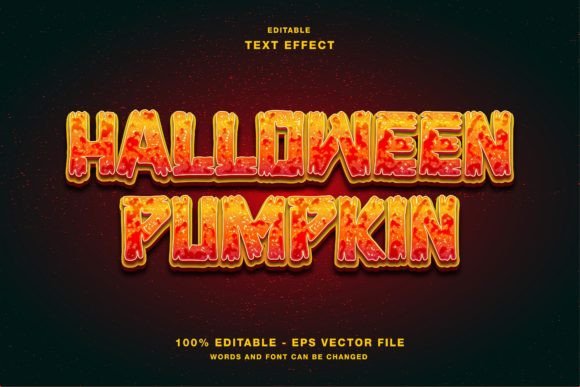
As autumn leaves begin to turn and the air grows crisp, designers everywhere start preparing for one of the most visually rich holidays of the year: Halloween. Whether you are creating a spooky flyer for a local event, crafting an engaging social media post for your brand, or designing a magazine cover, the right typography can make all the difference. Enter the Halloween Pumpkin Editable Text Effect, a versatile graphic resource that transforms standard lettering into a festive, three-dimensional pumpkin display. This guide explores how this specific design element works, why it is essential for modern creatives, and how you can leverage it in Adobe Illustrator to elevate your projects.
The Magic of Seasonal Typography
Typography is more than just choosing a font; it is about conveying mood, atmosphere, and context instantly. In the realm of seasonal marketing, text effects play a pivotal role. A simple headline like "Trick or Treat" loses its impact when rendered in plain Arial. However, when that same text is wrapped in glowing orange skin, complete with vine accents and carved jack-o'-lantern details, it immediately communicates the spirit of the holiday.
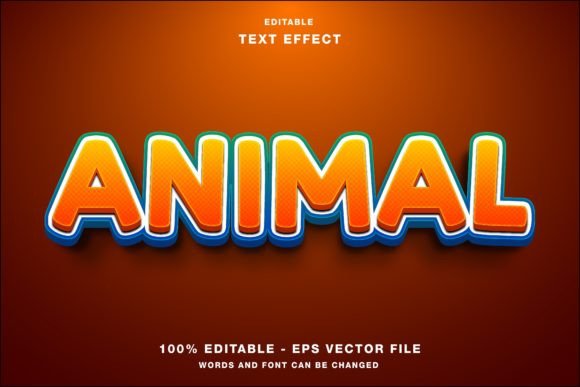
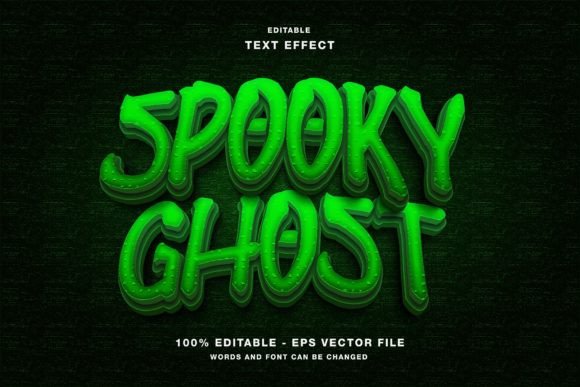
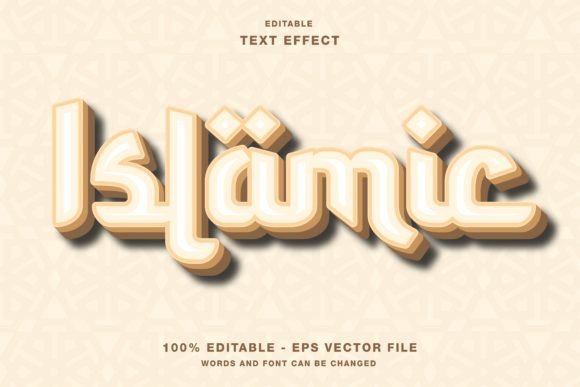
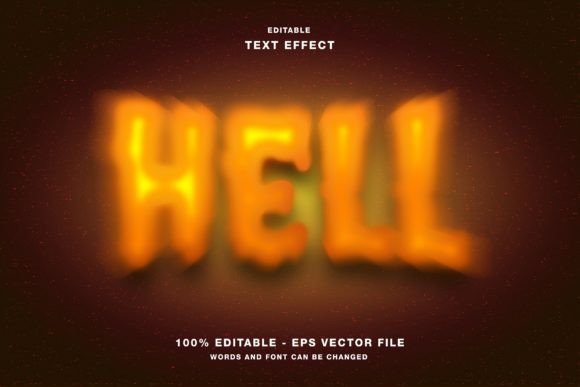
The Halloween Pumpkin Editable Text Effect is designed specifically to bridge the gap between professional graphic design and accessibility. It allows users to apply complex, high-quality visual styles without needing advanced 3D modeling skills or hours of manual vector manipulation. By using pre-built assets, designers can focus on their creative message rather than getting bogged down in technical execution.
Why "Editable" Matters in Modern Design
One of the most common frustrations for graphic designers, marketers, and content creators is finding resources that look great but cannot be customized. Static images often force a designer to compromise on their messaging. The key feature of this specific pumpkin effect is its editability. Unlike a rasterized image where the text is permanently baked into the background, this resource is built within a vector framework, typically for Adobe Illustrator.
This means every element is distinct and modifiable. You can change the wording, adjust the font size, alter the spacing, and even tweak the colors of the pumpkin skin or the internal glow. This flexibility is crucial for businesses that need to maintain brand consistency while still participating in seasonal trends. For example, a coffee shop might want to use the pumpkin effect for a "Spiced Latte" promotion, while a school uses the exact same template for a "Halloween Dance." The editable nature ensures the asset serves multiple purposes across different contexts.
Technical Specifications: RGB and File Formats
Understanding the technical underpinnings of a design asset is vital for ensuring it looks correct in its intended environment. The Halloween Pumpkin Editable Text Effect is optimized with an RGB color mode. This is a critical distinction for digital-first workflows. RGB (Red, Green, Blue) is the standard color model for screens, including smartphones, tablets, computer monitors, and televisions. It offers a vibrant spectrum of colors that appear bright and luminous on digital displays.
In contrast, print materials often require CMYK (Cyan, Magenta, Yellow, Key/Black). While this specific resource is built for RGB to maximize its impact on web designs and social media, the vector nature of the file allows experienced users to convert color modes if they intend to adapt the design for print later. However, for immediate use in digital campaigns, the RGB setting ensures that the oranges pop and the shadows deepen exactly as intended on a screen.
File Formats Included: EPS and JPG
To accommodate various workflow needs, the main folder typically includes two primary file types: EPS and JPG.
- EPS (Encapsulated PostScript): This is the workhorse file for professionals. An EPS file contains vector data, meaning it can be scaled infinitely without losing quality. When you open this file in Adobe Illustrator, you gain access to the layers, allowing you to edit the text, move the vines, or change the lighting effects. This is the file you should use if you plan to customize the design.
- JPG (Joint Photographic Experts Group): This is a rasterized version of the final effect. It is useful for quick previews, inserting directly into presentations, or using in software that does not support vector files. While it cannot be edited, it provides an instant way to see the final result or share a mockup with a client.
Practical Applications Across Platforms
The versatility of the Halloween Pumpkin Editable Text Effect extends far beyond a single project type. Its design language fits seamlessly into a wide array of modern communication channels. Let's explore how this effect can transform various promotional materials.
Social Media Promotions
In the fast-paced world of social media, visuals must stop the scroll. Platforms like Instagram, Twitter, and Facebook are saturated with content. A generic square image often gets overlooked. By applying the pumpkin text effect to your headlines, you create a focal point that draws the eye immediately.
For instance, imagine an Instagram Story announcing a limited-time discount. Instead of typing "50% OFF," you apply the pumpkin effect. The text becomes a glowing jack-o'-lantern, instantly signaling the seasonal theme. Because the effect is editable, you can ensure the text fits perfectly within the vertical aspect ratio required by Stories or Reels, maintaining legibility while maximizing visual appeal.
Web Design and Digital Headlines
Website banners and hero sections are prime real estate for seasonal updates. E-commerce sites often update their headers to reflect current holidays. Using the pumpkin text effect here creates an immersive experience for visitors. Since the file is in RGB, the colors will render crisply on any device, from a desktop monitor to a mobile phone. The effect adds depth and texture to flat web layouts, making the site feel alive and current.
Print and Publication Promotion
While the primary mode is RGB, the underlying vector structure makes this effect adaptable for print as well. It is perfect for creating Flyers, Posters, Magazine covers, and Event Papers. Imagine a local community center putting out a flyer for a Halloween carnival. The headline "Community Carnival Night" rendered in pumpkin text would stand out vividly against a dark background, catching the attention of parents walking past a bulletin board.
For magazines, this effect can serve as a chapter header or a sidebar title in a special Halloween issue. The ability to scale the EPS file ensures that whether the text appears in a small thumbnail or a massive billboard, the edges remain sharp and the details intact.
How to Customize Your Design
Getting started with the Halloween Pumpkin Editable Text Effect is straightforward, even for beginners. The process is designed to be intuitive within Adobe Illustrator.
- Open the File: Launch Adobe Illustrator and open the provided EPS file from the main folder.
- Select the Text Layer: Navigate to the Layers panel. You will find the text elements clearly labeled. Select the text tool and click on the existing placeholder text.
- Type Your Message: Simply delete the old text and type your own. The pumpkin shapes will automatically adjust to fit the new characters, wrapping around them to create the 3D illusion.
- Adjust Colors: If you need to match a specific brand palette, select the fill colors of the pumpkin skin or the light effects and modify the RGB values to your preference.
- Export: Once satisfied, export your design as a PNG or JPG for web use, or save as PDF for print.
Common Misunderstandings Clarified
A frequent assumption among new users is that "editable" means the entire image can be rearranged freely without consequence. While the text is fully editable, the structural integrity of the 3D effect relies on the relationship between the text shape and the surrounding pumpkin layers. Drastic changes to the font style (e.g., switching from a bold serif to a thin script) may require minor adjustments to the pumpkin skins to ensure they wrap correctly. However, the resource is robust enough to handle most standard font swaps with minimal effort.
Another misconception is that these effects are only for professional agencies. In reality, tools like the Halloween Pumpkin Editable Text Effect democratize high-quality design. Small business owners, students, and hobbyists can now produce professional-grade graphics that rival those created by large teams, simply by leveraging smart, customizable assets.
Conclusion: Elevating Your Creative Workflow
The Halloween Pumpkin Editable Text Effect is more than just a fun graphic; it is a powerful tool for effective communication. By combining the nostalgic charm of Halloween imagery with the technical precision of vector editing, it empowers creators to produce stunning visuals quickly and efficiently. Whether you are promoting a product on Instagram, designing a website banner, or printing a poster for a local event, this resource ensures your message stands out in the crowded digital landscape.
With its RGB optimization for vibrant screen display, flexible EPS format for deep customization, and included JPG for quick previews, this effect covers all bases of modern design needs. Embrace the season, unlock your creativity, and let your text shine with the warmth and whimsy of a glowing pumpkin. By understanding how to utilize these tools effectively, you not only enhance your current projects but also build a valuable skill set for future creative endeavors.